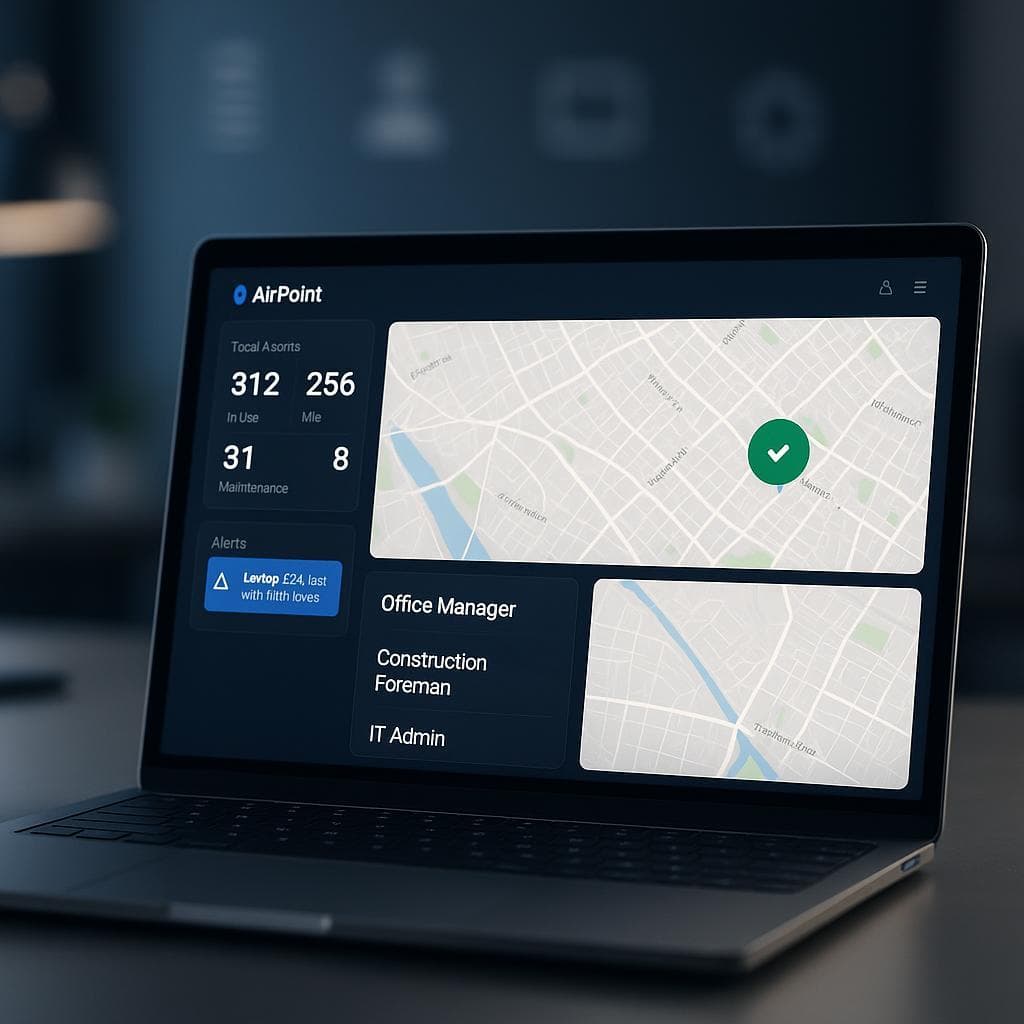
...

Asset Tracking Dashboards: Movement Alerts and Fleet Control

How asset tracking dashboards handle movement alerts and control, with user-friendly interfaces and role-based examples.

Asset Tracking Dashboards: Movement Alerts and Fleet Control

Key Benefits

Movement alerts and control through one dashboard

User-friendly interfaces with role-based examples

Walkthrough of creating alerts

Screenshots of dashboard features

Asset Tracking Dashboards: Movement Alerts and Fleet Control

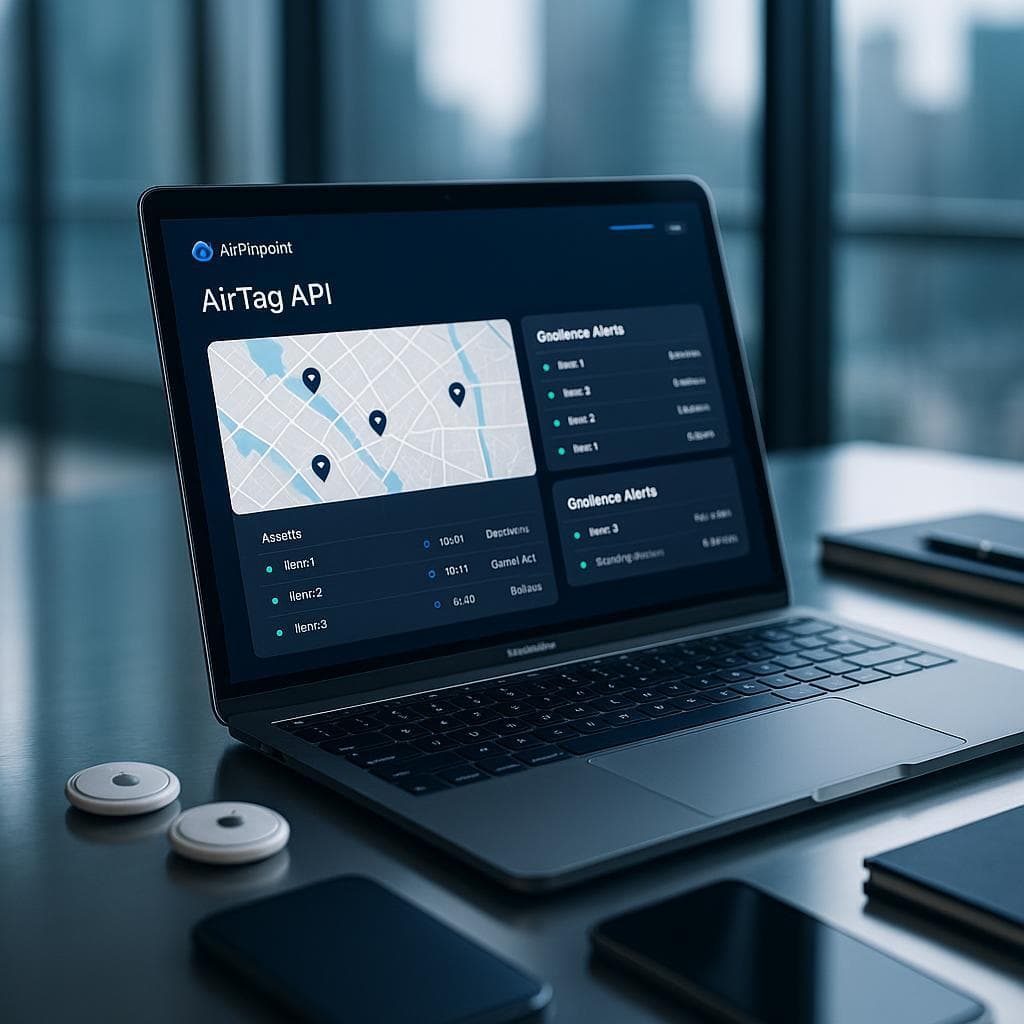
Asset tracking dashboards pull every tagged asset onto one map and send an alert when one crosses a boundary you drew, with interfaces built around the person using them.

Movement Alerts and Fleet Control

Airpinpoint's dashboard lets you monitor and manage assets from one screen and set alerts on specific movements, such as an asset leaving a designated area. The alert is not instant. Airpinpoint waits until seven consecutive location reports agree the asset is on the far side of the line, which near populated areas lands 15 to 40 minutes after the crossing and keeps one stray report from a passing iPhone out of your inbox.
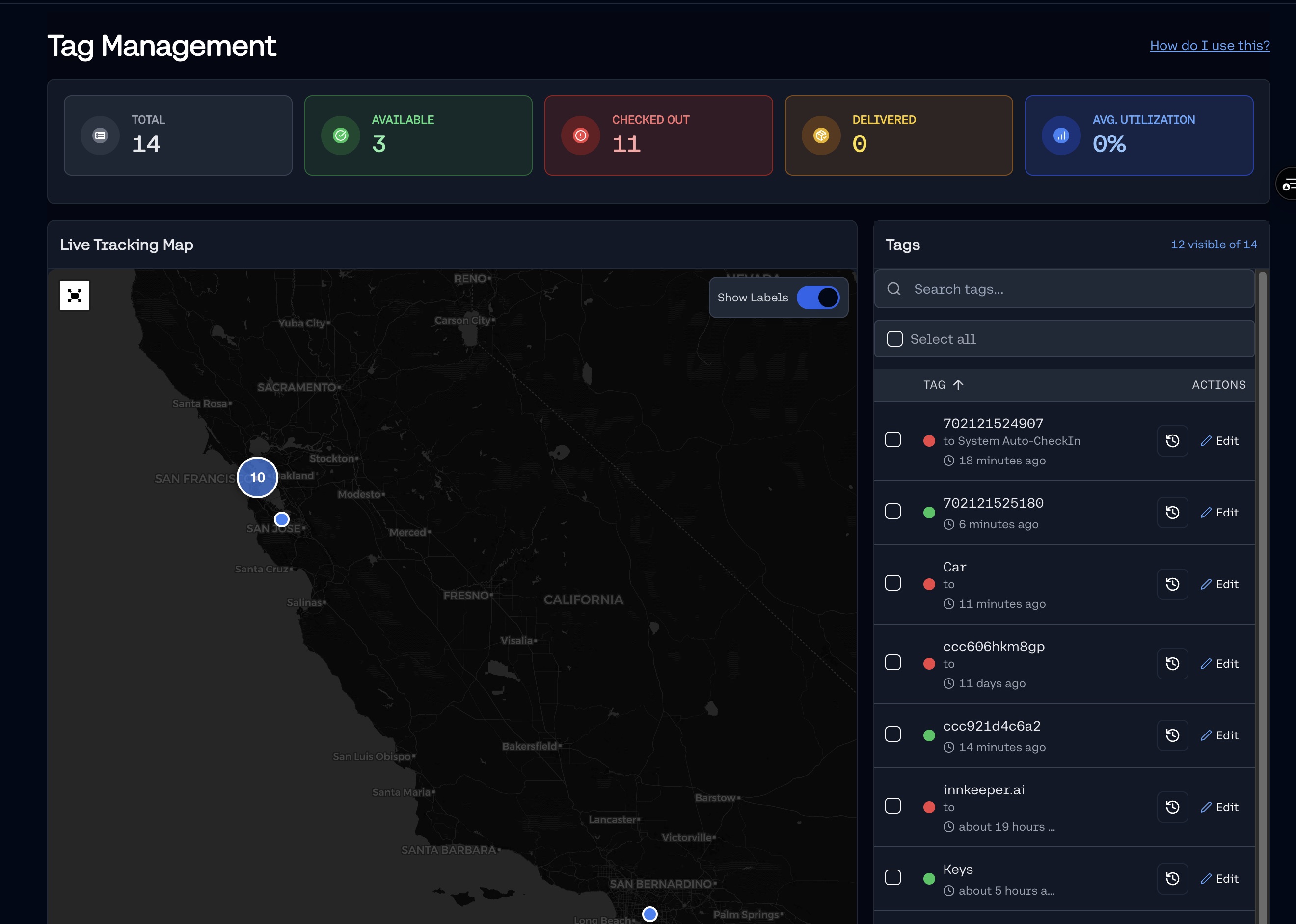
Dashboard Map

User-Friendly Interfaces

The dashboards are designed with user-friendly interfaces, making it easy for users to navigate and manage their assets. The intuitive design ensures that users can quickly access the information they need.

Walkthrough: Creating Alerts

Creating alerts is a straightforward process. Users can set up alerts for specific asset movements, ensuring that they are notified of any unauthorized movements. This feature enhances asset security and management.

Screenshot: Alert Configuration
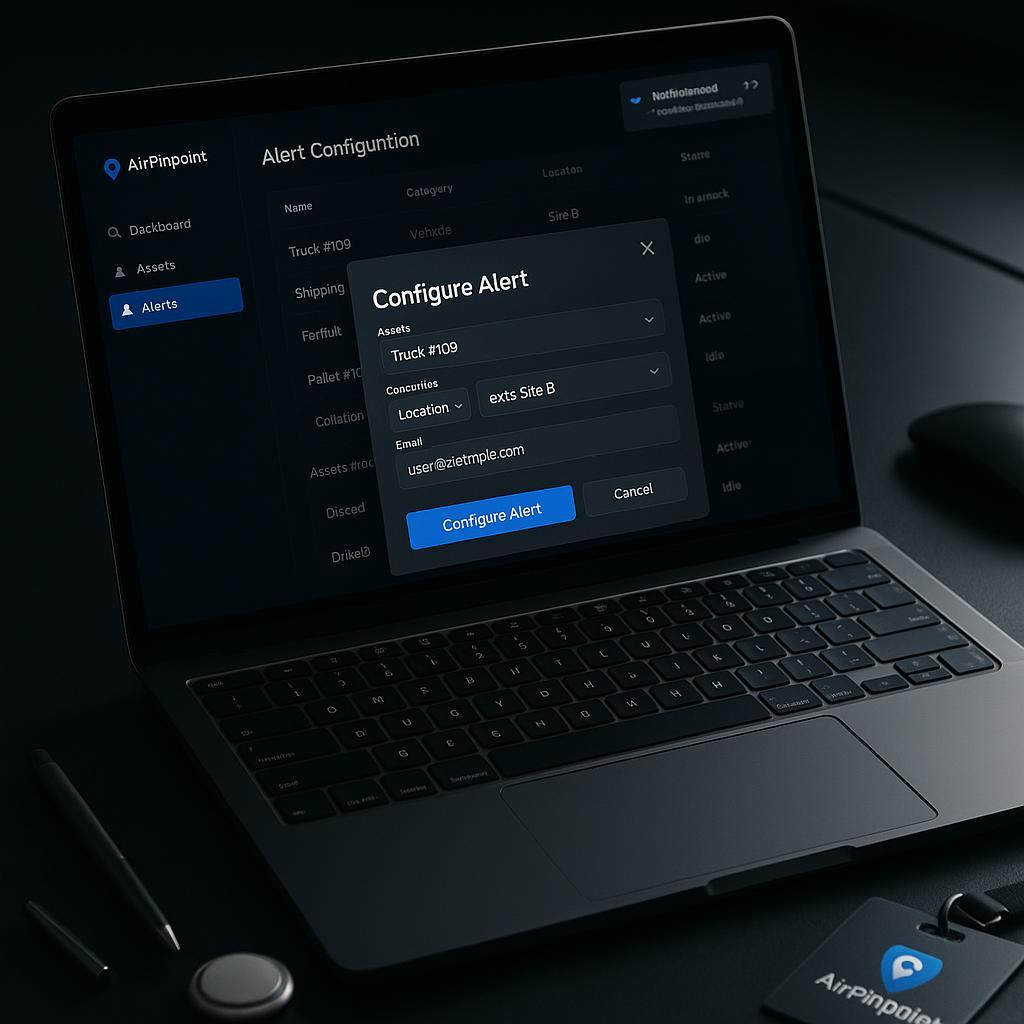
Alert Configuration

Role-Based Examples

Asset tracking dashboards cater to different roles, providing tailored solutions for various needs:

  • Office Manager: Monitor office equipment and ensure everything is accounted for.
  • Construction Foreman: Track tools and equipment across job sites, ensuring they are used efficiently.
  • IT Admin: Oversee devices and ensure they are secure and accounted for.

Conclusion

Asset tracking dashboards put every asset on one map and tell you, in tens of minutes rather than at the next audit, when one moves. Explore our asset tracking dashboard solutions today and find the best fit for your business.
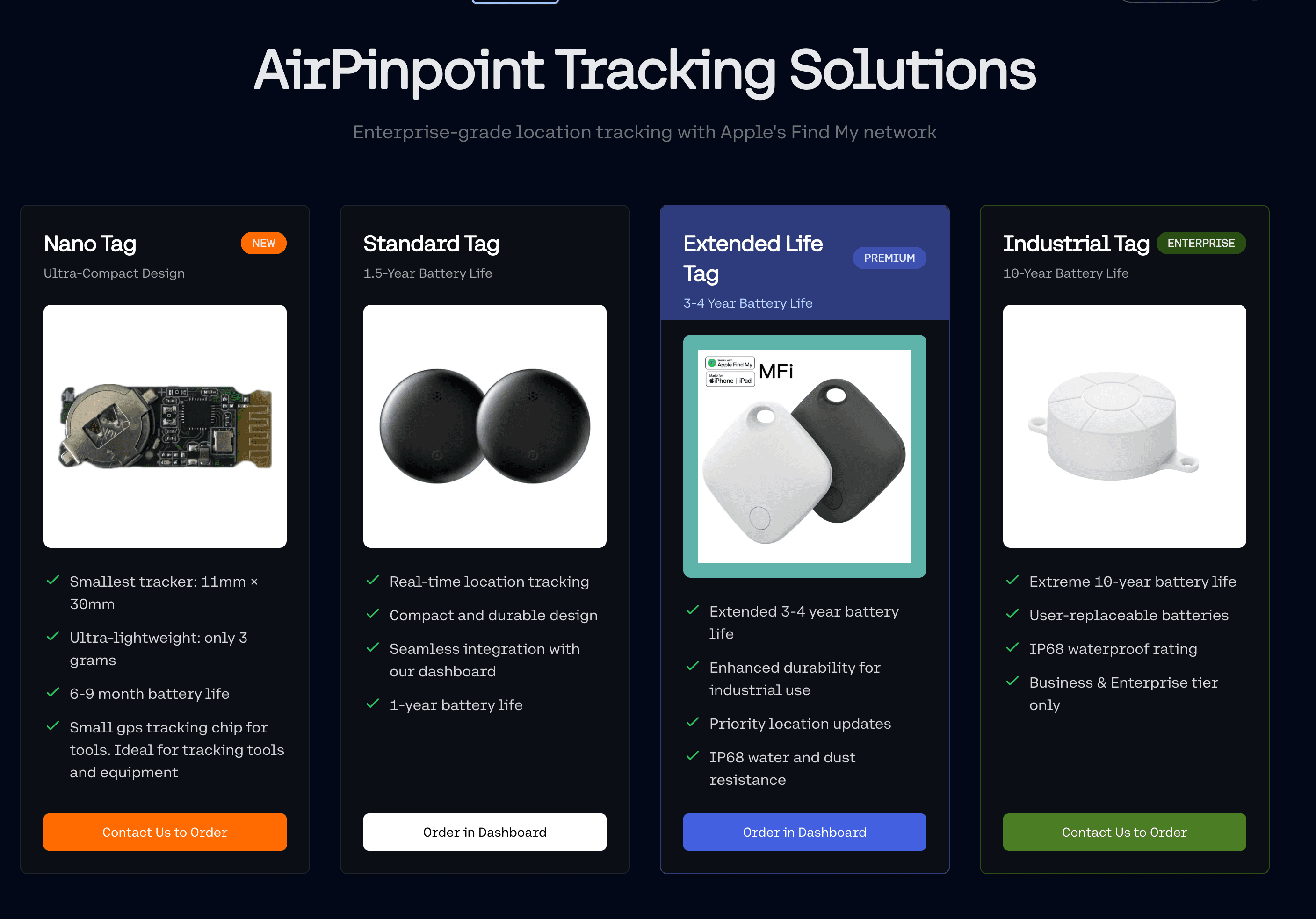

How Our Technology Works

Airpinpoint uses Apple AirTags via the FindMy network to provide reliable asset tracking without the need for cellular connections.Learn more about how AirTags work →

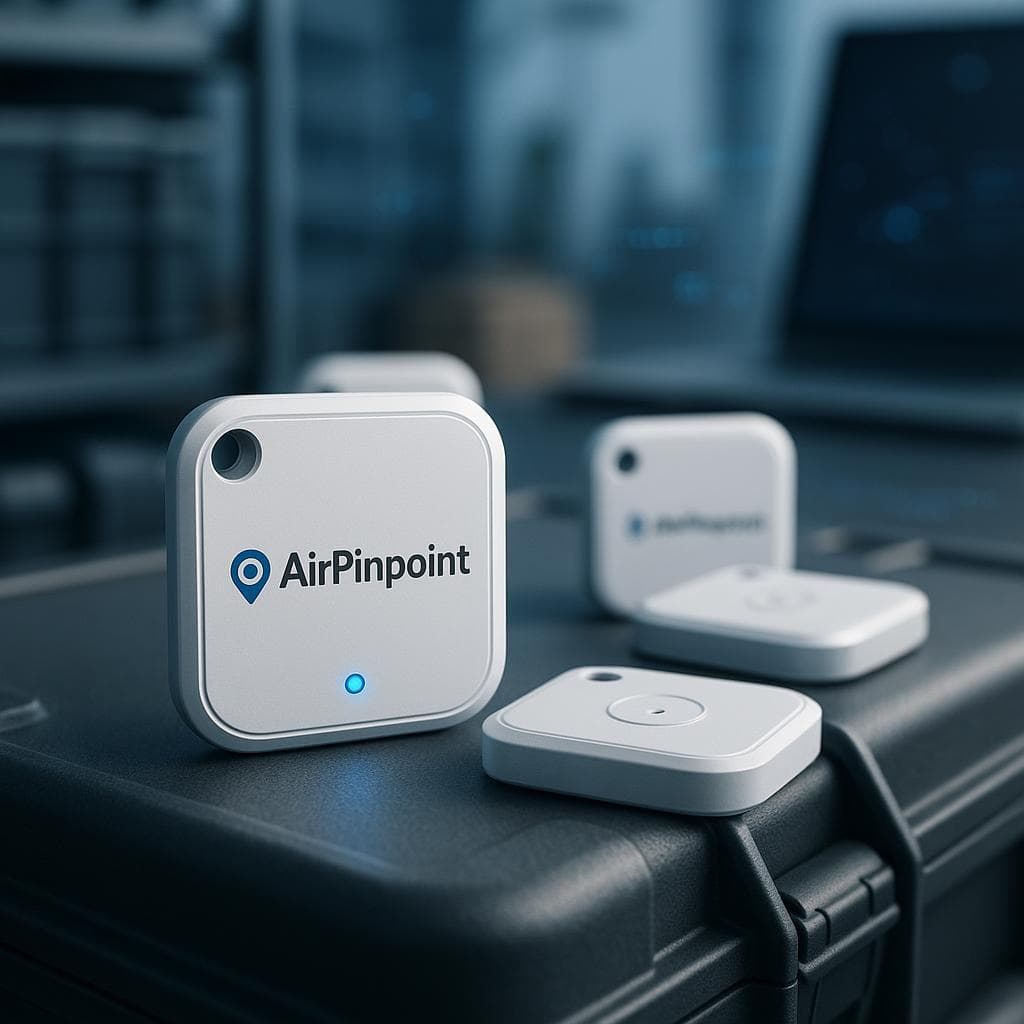
Airpinpoint Tracking Device

Bluetooth Low Energy

Uses minimal power while maintaining reliable connections to nearby devices in the network.

Long Battery Life

Designed for up to 7+ years of battery life, making it ideal for long-term asset tracking.

Apple FindMy Network

Leverages a vast network of billions of connected Apple devices to locate your assets anywhere.

Precision Location

Get accurate location data and movement history for all your tracked assets.

Frequently Asked Questions

Ready to start tracking your assets?

Get started today with Airpinpoint's advanced tracking solution and never lose track of your valuable assets again.

Feature
Our SolutionOur Solution
Geotab GO
Rooster Tag
LandAirSea 54
Samsara Asset Tag
Samsara GPS Tracker
Size31x31 mm111x71x29.5 mm50.8 mm x 19.1 mm~57.8x24 mm~63.5x25.4 mm~108x86x25 mm
Battery Life3-7+ years (live tracking)3 years (1 update/day), 2 weeks (live)Up to 5 years1-3 weeks4 years3 years (2 updates per day), 2 weeks (live)
TechnologyAirTagGPSBluetoothGPSBluetoothGPS (not live)
CoverageWorldwideWorldwideUp to 0.5 miGlobalGateway-dependentWorldwide
DurabilityRugged, waterproofRuggedRuggedizedIP67 waterproofUltra ruggedIP67 waterproof
Gateway RequiredNoNoYesNoYesNo
* Comparison based on publicly available information as of 9/29/2026