Updated
AirTag Location History: Can You See Where an AirTag Has Been?
No, not in Apple's Find My app. Find My shows an AirTag's latest reported location and nothing before it: no timeline, no route, no list of past pings. Apple's servers do keep the tag's encrypted location reports for about seven days, but the app never shows them. To see where an AirTag has been, something has to fetch and save those reports before they expire.
Airpinpoint is built to do that: it pulls every Find My report Apple holds for your tags and saves each one as a timestamped point you can replay on a map, export to CSV, or query through the API (AirTag tracking for business).
| Where the data lives | What it keeps | How far back | Can you view past locations? |
|---|---|---|---|
| Find My app (iPhone, iPad, Mac) | The latest reported location and its time | Latest report only | No |
| Apple's Find My servers | Encrypted reports uploaded by passing Apple devices | About 7 days | No, the app shows only the newest |
| The AirTag itself | Nothing. It has no GPS and never knows its own position | None | No |
| Unknown-item alert map | Where someone else's tag was detected moving with you | While it traveled with you | Only for a tag that is not yours |
| Airpinpoint | Every fetched report, timestamped | From the day you connect the tag, plus up to 7 days before | Yes: map replay, CSV, API |
Why Find My Shows No AirTag History
Find My is built to answer one question, where is this item right now, and Apple designed the network so that not even Apple can read the answer.
An AirTag has no GPS. It broadcasts a Bluetooth signal carrying a rotating public key. When an iPhone, iPad, or Mac passes by, that device encrypts its own current location with the tag's key and uploads the report to Apple. Only your Apple devices hold the matching private key, so only they can decrypt it.
Your Find My app downloads those reports, decrypts them, and draws the newest one. Older reports sit on Apple's servers for about a week (the seven-day window documented by security researchers at TU Darmstadt in 2021) and are never drawn. There is no setting that turns history on.
That works for finding your keys. It fails the moment you need to know where a trailer went at 2 AM, when a delivery arrived, or which route a stolen tool took.
Does an AirTag Show Location History on iPhone?
No. Find My on iPhone shows the same single location you see on any other Apple device. Everything it offers for an AirTag is about the present:
- The latest location on a map, with how long ago it was reported
- Play Sound, plus Precision Finding on iPhones with an Ultra Wideband chip
- Notify When Left Behind and Notify When Found
- Share Item Location, a temporary webpage showing the item's current location that expires after 7 days or when you get the item back
Two iPhone features get mistaken for AirTag history:
- Significant Locations (under Location Services, then System Services, in iPhone settings) logs places your iPhone has been. It never records an AirTag.
- The unknown-item alert map shows red dots joined by dashed lines where someone else's AirTag was detected traveling with you. It is an anti-stalking feature and never appears for your own tags.
Can You Track Where an AirTag Has Been in the Past?
Only within Apple's roughly seven-day window, and only with a tool that fetches the raw reports. If an incident happened more than a week ago and nothing was logging the tag, that trail no longer exists anywhere.
- Tools that fetch reports from Apple (Airpinpoint works this way) request the whole seven-day window, so a tag's history can start up to a week before you connected it, as long as Apple still holds reports for it.
- Scripts that read the Find My app on a Mac see only the single location the app is displaying. They log from the moment you start them, one point per poll, and cannot reach back.
What AirTag Location History Actually Looks Like
A location history is a list of timestamped points, one per Find My report, drawn on a map in the order they happened. In Airpinpoint each point stores:
- Latitude and longitude, as reported by the Apple device that heard the tag
- The time of the report, shown in your local time zone
- The accuracy radius in meters and the confidence value from the report
- The tag's battery level at the time (full, medium, low, or critically low)
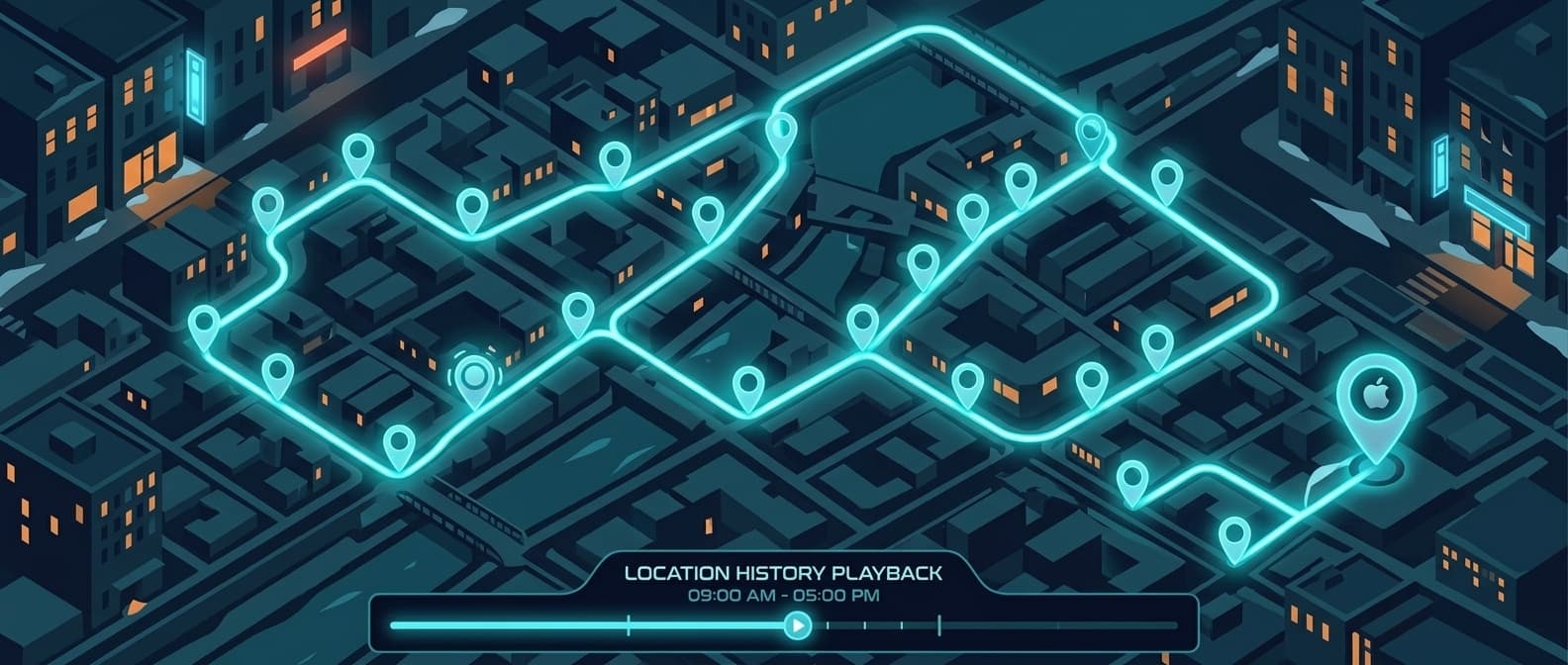
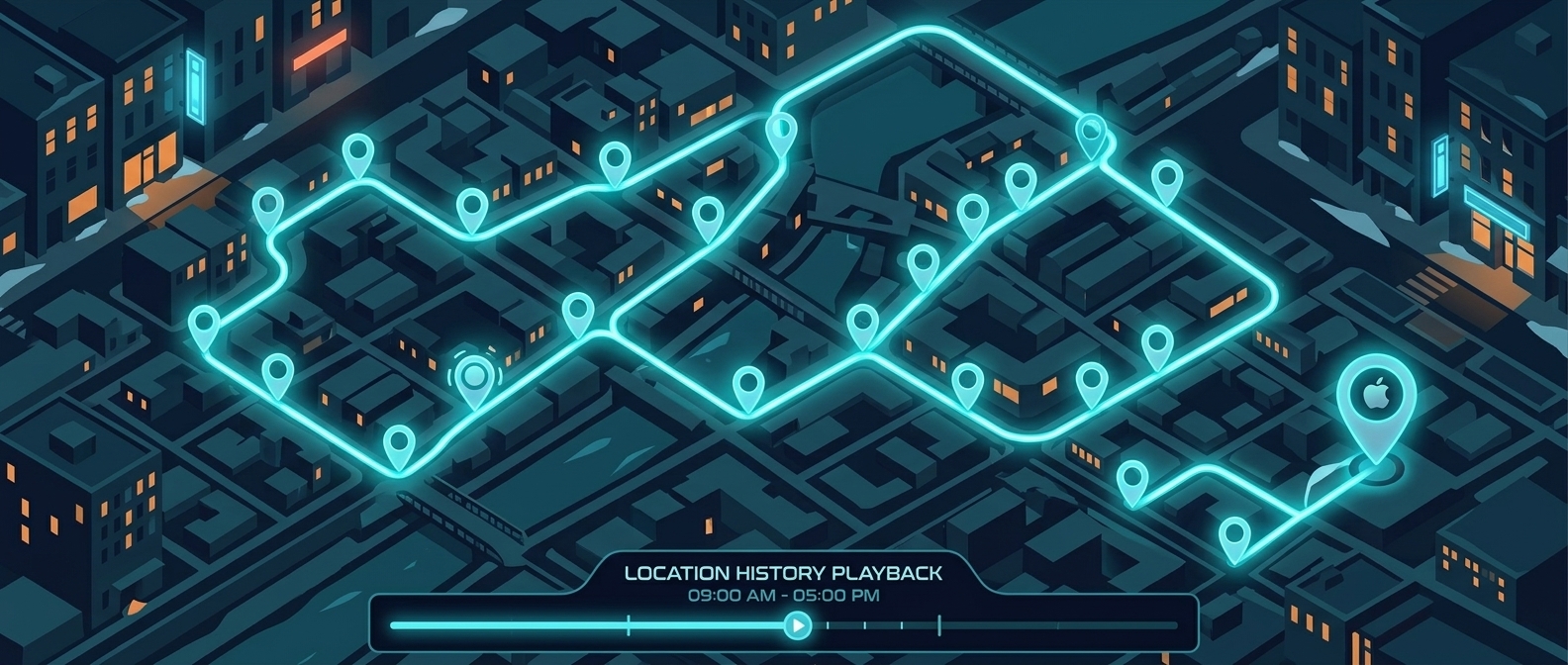
On Tag Map, the history icon next to a tag opens its Location History. Pick a date range (the last 7 days by default) and the route draws as a line through every saved point. Drag the timeline slider and a marker jumps to the recorded point nearest that moment, with its time, so you can read off when the tag left one place and when it reached the next.
Movement history, route history, and map history are the same data
AirTag movement history, route tracking, travel history, and map history all describe this one list of points. The route is the line through them, the timeline is the same points in time order, and a map history shows both on one screen.
How an AirTag History Tracker Builds the Timeline
This is the part Find My leaves out. Here is what Airpinpoint's pipeline does for each tag, taken from the code that runs it:
- Check on a schedule. Each account's tags are checked on a set interval (every 30 minutes by default), and opening the map triggers an extra check, at most once every 2 minutes.
- Ask Apple for the full seven days. Every check requests all reports Apple holds for the tag's keys over the past 7 days and decrypts them with keys stored for that tag. This only works for tags whose Find My keys are in your account, which means tags you own.
- Drop phantom jump-backs. Each report carries the position of the phone that heard the tag, and a phone with a poor fix can place the tag far from where it sits. When a point lands more than 150 m from the last confirmed spot, the cleaner holds it. If the next report comes back near the starting spot, the whole detour is discarded. If the next report lands within 150 m of the jump, the move is kept as real travel.
- Save each point once. Points are keyed on tag and timestamp, so the overlap between one 7-day fetch and the next is never stored twice. Each save also looks back 24 hours before the newest stored point, which catches reports that finder phones uploaded late.
- Flag weak fixes instead of deleting them. Low-confidence reports are kept with a flag (
isInaccuratein the API) and their accuracy radius.
The cleaner ignores Apple's accuracy radius on purpose. In our data that radius too often labels good points as poor and phantom points as precise, so the filter goes by the shape of the track instead.
What this means in practice:
- Point spacing follows foot traffic, not the check interval. A check every 30 minutes still saves every report from those 30 minutes. A tag on a busy street builds a dense trail; a tag in an empty yard can go hours without a point.
- A failed check does not leave a hole. The next successful check asks for the full 7 days again and fills in anything not yet saved, as long as it runs inside Apple's window.
- The trail outlives Apple's copy. Points live in Airpinpoint's database, so a tag's history does not disappear after 7 days the way Apple's reports do.
AirTag History Tracker Options: Free Scripts vs a Service
Free scripts work for one tag and a spare Mac. A service makes sense once several people need the trail, you want alerts, or you have more tags than one Apple ID holds.
| Option | How it gets locations | Reaches back before setup? | Upkeep | Cost |
|---|---|---|---|---|
| Find My app | Shows the newest report | No | None | Free |
| Manual screenshots | You capture the pin by hand | No | Every check is manual | Free |
| GitHub scripts (airtag-history-tracker and similar) | Poll the Find My app cache on a Mac | No, logging starts when you run it | Mac left on; the cache has been encrypted since macOS Sonoma 14.4 | Free |
| Airpinpoint | Fetches the raw reports from Apple for each tag | Up to about 7 days | None | From $11.99 per tag per month |
Find My caps each Apple ID at 32 items; Airpinpoint puts hundreds of tags under one login (multi-user AirTag tracking).
How to See Where Your AirTag Has Been
You cannot view history that was never saved, so the first step is getting the tag into a logger. In Airpinpoint:
- Add the tag. Link AirTags you already own from a Mac on the Devices page, or use tags bought from Airpinpoint, which are added to your account for you.
- Let the first check run. It requests Apple's last 7 days of reports, so the history may already reach back several days.
- Open the tag's history. On Tag Map, click the history icon next to the tag and choose a date range.
- Scrub the timeline. Drag the slider to step through each point and read the time it was recorded.
- Export or automate. Data Export downloads a CSV of all your tags for any date range. For your own systems, the REST API returns a tag's points for a time window (
GET /v1/trackables/TAG_ID/locationswithstart_timeandend_time). See the AirTag API.
Without a logger, the closest you can get is to open the Items tab in Find My, tap the AirTag, and screenshot the pin and its time every time you check.
What You Can Do With AirTag History That Find My Cannot
Find My tells you where an item is now. Everything that depends on where it was needs a saved history.
| Need | Find My (latest location only) | Airpinpoint (saved history) |
|---|---|---|
| See where it was an hour ago | No | Yes |
| Replay the route it took | No | Yes, route line plus timeline slider |
| Show when it arrived at an address | No | Yes, from timestamped points |
| Alert when it enters or leaves an area | Notify When Left Behind only (relative to your device) | Geofence entry and exit alerts |
| Alert when it sits in one place too long | No | Geofence dwell alerts, from 1 hour to 7 days |
| Export the trail | No | CSV and REST API |
| Tags under one account | 32 per Apple ID | Hundreds in one login |
Common Reasons People Need AirTag History
- Theft recovery. Once a stolen asset is inside a building or vehicle where few phones pass, the current pin stops moving. The trail shows the route it took after it left and the last places it was seen outdoors.
- Proof of delivery. Timestamped points at the delivery address settle arrival disputes that a live pin cannot.
- Rental and checkout audits. History shows whether gear went where it was supposed to and when it came back.
- Utilization. Weeks of movement show which assets sit idle and which never stop moving.
History Plus Alerts: The Full Picture
History tells you where a tag went. Geofence alerts tell you it crossed a boundary you care about, usually 15 to 40 minutes later in populated areas. Airpinpoint sends entry and exit alerts by email, webhook, Slack, or WhatsApp, and the saved trail shows where the tag went after the alert fired.


 Our Solution