Updated
Asset Inventory Tracking Software: Why Spreadsheets Fail and What Actually Works
Most "asset tracking software" is a database with a barcode scanner. You check assets in, check them out, and hope the spreadsheet stays accurate. It rarely does.
The real problem is not record-keeping. It is knowing where your assets physically are right now.
What Asset Inventory Management Is
Asset inventory management is the process of keeping an accurate list of every physical asset a business owns, with its ID, location, owner, condition and value, and checking that list against what is actually there on a schedule. Asset inventory software holds the list and updates it by barcode or QR scan, an RFID read, or a tag that reports its own location. Keeping location current between counts is where most registers fail.
How to Run an Asset Inventory in 6 Steps
- Define what counts as an asset. Use a value threshold, often the same one finance uses to capitalize purchases, and add anything below it that walks off easily, such as laptops and power tools.
- Give every asset a unique ID and a label. Barcode or QR labels for scanning, plus a self-reporting tag on anything that moves between sites.
- Record only the fields you will use. ID, description, serial number, location, assigned person, purchase date, cost and condition cover most audits.
- Do one full baseline count. Walk every site, scan every asset, and list what is on the register but missing and what is on site but not on the register.
- Write off ghost assets and add the missing ones. On a typical fixed-asset register 12 to 35 percent of entries no longer exist, so this step is often the largest single correction.
- Set a cadence for cycle counts. Count high-value assets monthly or quarterly and the rest yearly, and let self-reporting tags cover location in between.
Asset Inventory Software Compared by How Location Updates
| Method | How location updates | Typical cost | Good for | Weak spot |
|---|---|---|---|---|
| Spreadsheet | Someone edits a cell | Free | A few dozen assets in one building | Out of date within weeks |
| Barcode or QR register (Asset Panda, EZOfficeInventory, Sortly, AssetTiger) | Someone scans a label | Free tiers up to a few hundred dollars per month | Fixed assets and check-in/check-out | Location is only as fresh as the last scan |
| RFID | A reader picks up tags in range | Tags from cents to dollars each, fixed readers $1,000 to $4,000 | High-volume items passing dock doors | Needs reader infrastructure at every site |
| Cellular GPS | The device reports over a cellular network | $15 to $35 per device per month | Powered vehicles and equipment | Monthly fee per device and needs power |
| Find My tag with Airpinpoint | Nearby Apple devices report the tag | $11.99 per device per month plus the tag | Unpowered assets that move between sites | Not real-time, slower where few people pass |
Most businesses run two of these at once: a barcode or QR register for the full list and audits, and self-reporting tags on the assets that leave the building.
The Spreadsheet Problem
On a typical fixed-asset register, 12 to 35 percent of the listed assets do not physically exist. They were sold, scrapped, or stolen and never removed, and these ghost assets are a top audit finding that causes real financial misstatements. The cause is not carelessness: scanning an asset before moving it adds about 30 seconds to a task, so field staff skip the scan and the register drifts from reality. A spreadsheet or a scan-based database is only ever as current as the last time a human remembered to update it.
| Problem | Spreadsheet | Software-Only | Airpinpoint |
|---|---|---|---|
| Asset location | Manual entry | Manual check-in | Automatic via Apple Find My |
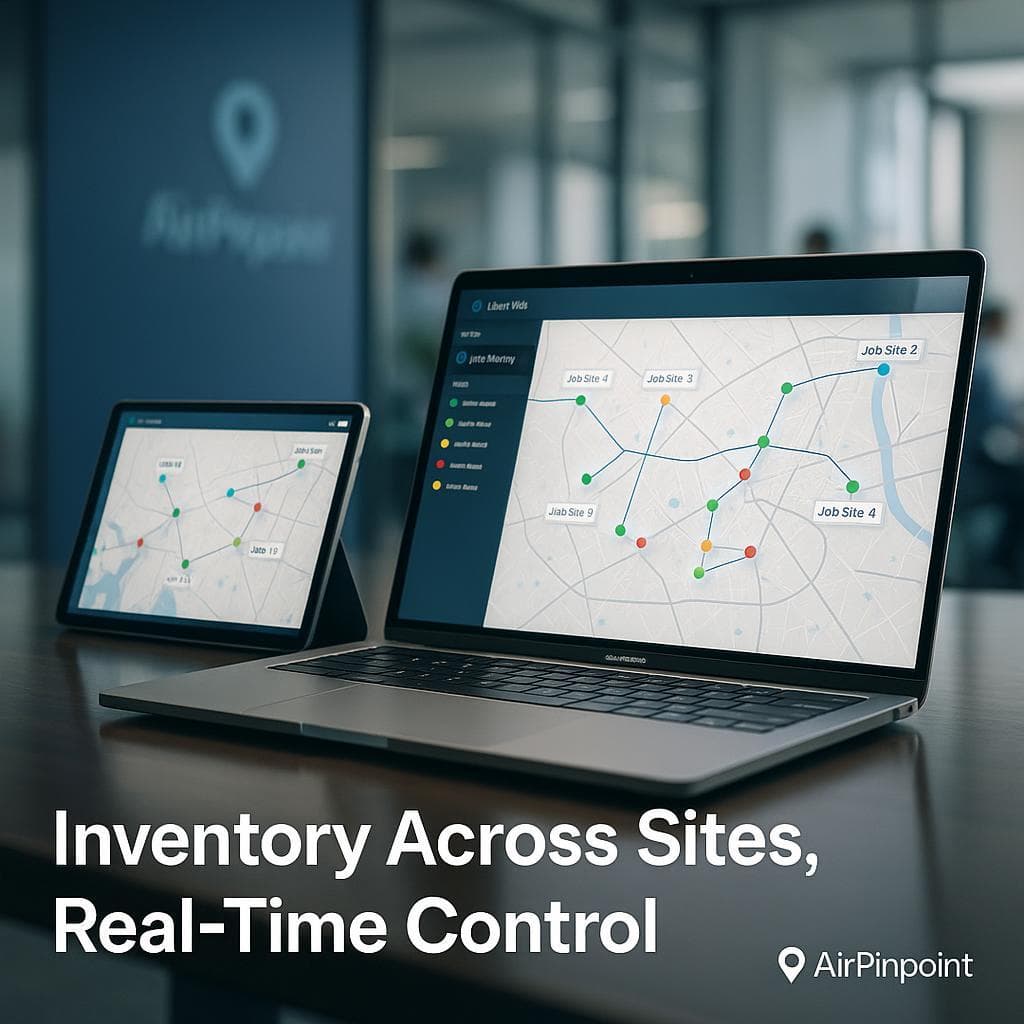
| Multi-site visibility | Copy-paste between files | Central database | Real-time map across all sites |
| Offline/field assets | No tracking | No tracking | Passive Bluetooth: no power needed |
| Per-asset cost | Free (until errors cost you) | $2-8/asset/month | $11.99/device/mo + one-time beacon cost |
| Integration | None | Limited | API + Zapier + webhooks |
What Software-Only Platforms Get Right (and Wrong)
Tools like Asset Panda ($1,500+/year), EZOfficeInventory ($40-150/mo), and Sortly ($49-149/mo) solve the database problem. They give you a central record, assignment tracking, and audit trails.
What they cannot do is tell you where something is if someone forgot to scan it. They depend entirely on human compliance: every check-in, every transfer, every return logged manually.
That gap is where assets disappear.
The Physical + Software Approach
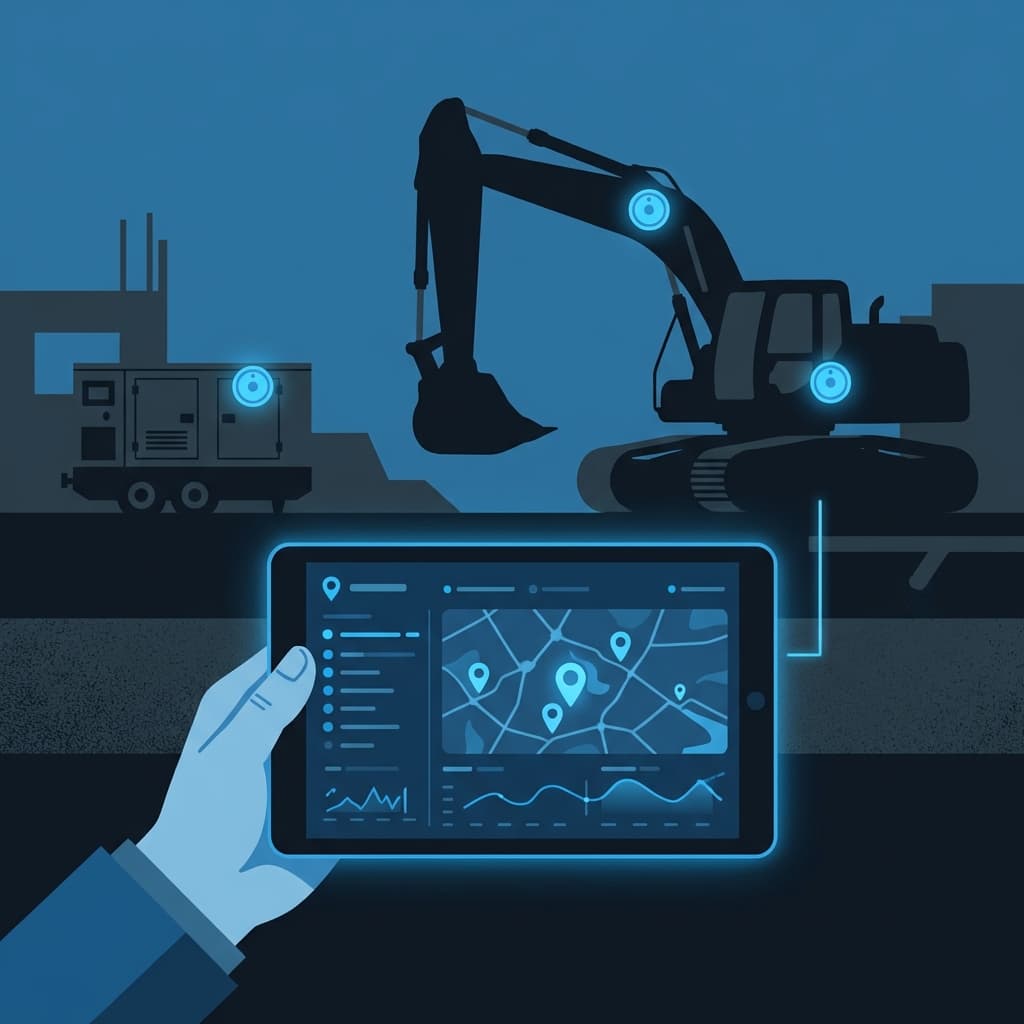
Airpinpoint combines a tracking dashboard with physical beacons that report location through the Apple Find My network: over a billion devices acting as passive sensors.
What you get:
- Dashboard with asset location, history, and status across every site
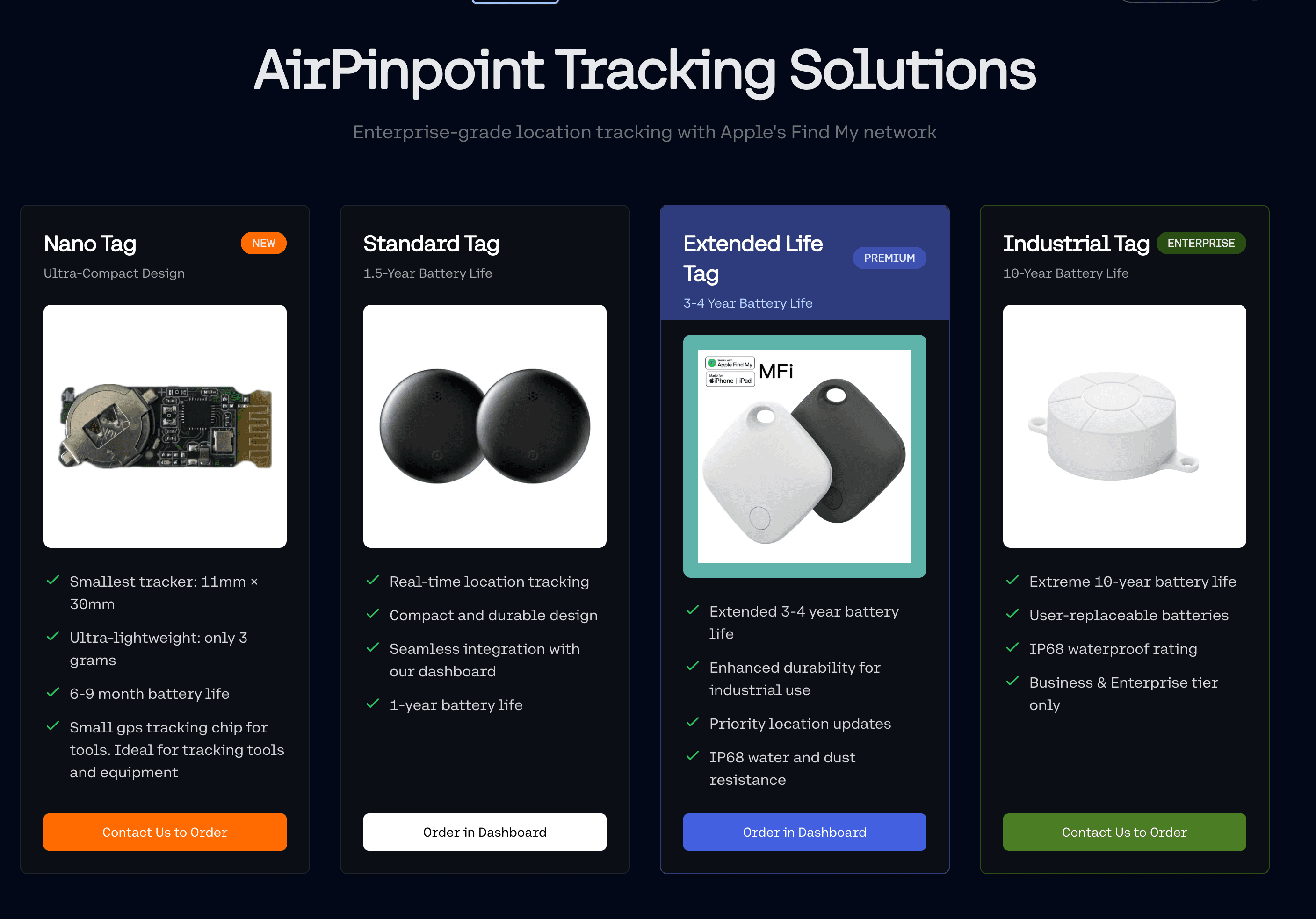
- Custom NRF52810 beacons with 7-year battery life: attach and forget
- API access to pull location data into your existing systems
- Zapier integration for automated workflows (geofence alerts, transfer logging, low-battery notifications)
- $11.99/device/month: 50-75% less than GPS trackers, with no SIM cards or installation costs
When Software-Only Makes Sense
If your assets are stationary IT equipment in a single office and you need depreciation tracking for accounting, a tool like InvGate or SolarWinds is the right fit. Those are asset management platforms built for finance and compliance.
If your assets move between sites, sit in yards, travel on trucks, or walk off job sites, you need physical tracking, not just a better spreadsheet.
Pricing Comparison
| Solution | Monthly Cost | Per-Asset Fee | Physical Tracking |
|---|---|---|---|
| Spreadsheet | Free | None | No |
| Asset Panda | ~$125/mo+ | Included in tier | No |
| EZOfficeInventory | $40-150/mo | Included in tier | No |
| GPS trackers | $15-35/device/mo | Per device | Yes (powered only) |
| Airpinpoint | $11.99-14.99/device/mo | Per device | Yes (7-year battery beacons) |
Our 12-Month Minimum (Because We Know It Works)
We require a 12-month minimum. Airpinpoint is purpose-built hardware and software: the rollout is fast, the coverage is immediate, and the ROI is measurable within weeks. Most teams start with a pilot scope on their highest-value or highest-loss assets inside the 12-month plan.

 Our Solution